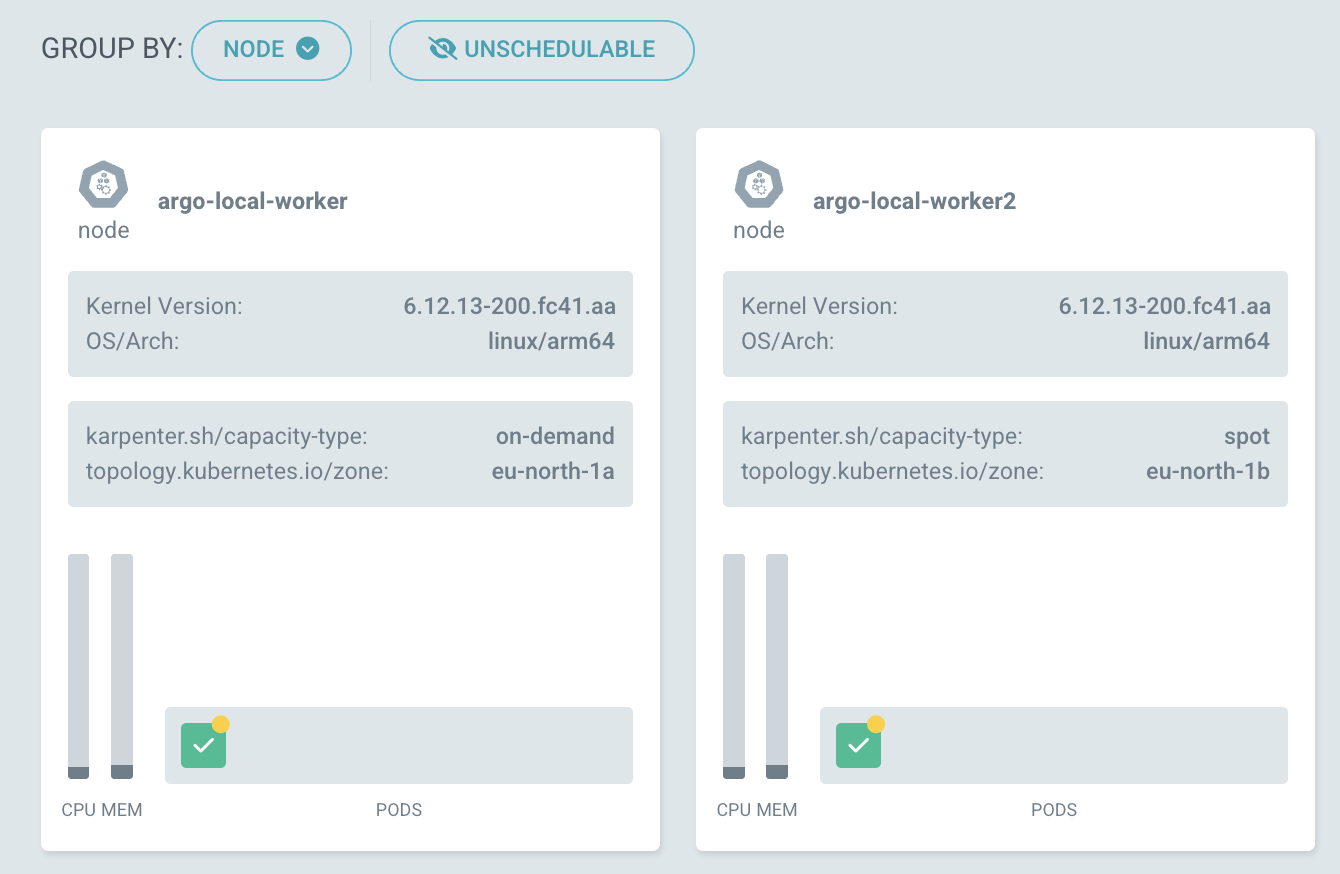
github.com/argoproj/argo-cd/v3@v3.2.1/docs/operator-manual/ui-customization.md (about) 1 # UI Customization 2 3 ## Default Application Details View 4 5 By default, the Application Details will show the `Tree` view. 6 7 This can be configured on an Application basis, by setting the `pref.argocd.argoproj.io/default-view` annotation, accepting one of: `tree`, `pods`, `network`, `list` as values. 8 9 For the Pods view, the default grouping mechanism can be configured using the `pref.argocd.argoproj.io/default-pod-sort` annotation, accepting one of: `node`, `parentResource`, `topLevelResource` as values. 10 11 ## Node Labels in Pod View 12 13 It's possible to propagate node labels to node information in the pod view by configuring `application.allowedNodeLabels` in the [argocd-cm](argocd-cm-yaml.md) ConfigMap. 14 15 The following configuration: 16 ```yaml 17 application.allowedNodeLabels: topology.kubernetes.io/zone,karpenter.sh/capacity-type 18 ``` 19 Would result in: 20